
Know who sleeps where, all season.
Assign workers to housing down to the room and bed, see who is in each house today, and run inspections from a phone. When someone asks about a house, the answer is already in H2 Organizer.
What you get
Occupancy at a glance.
See every house, who is in it now and which beds are open.
Assign a whole crew in one step.
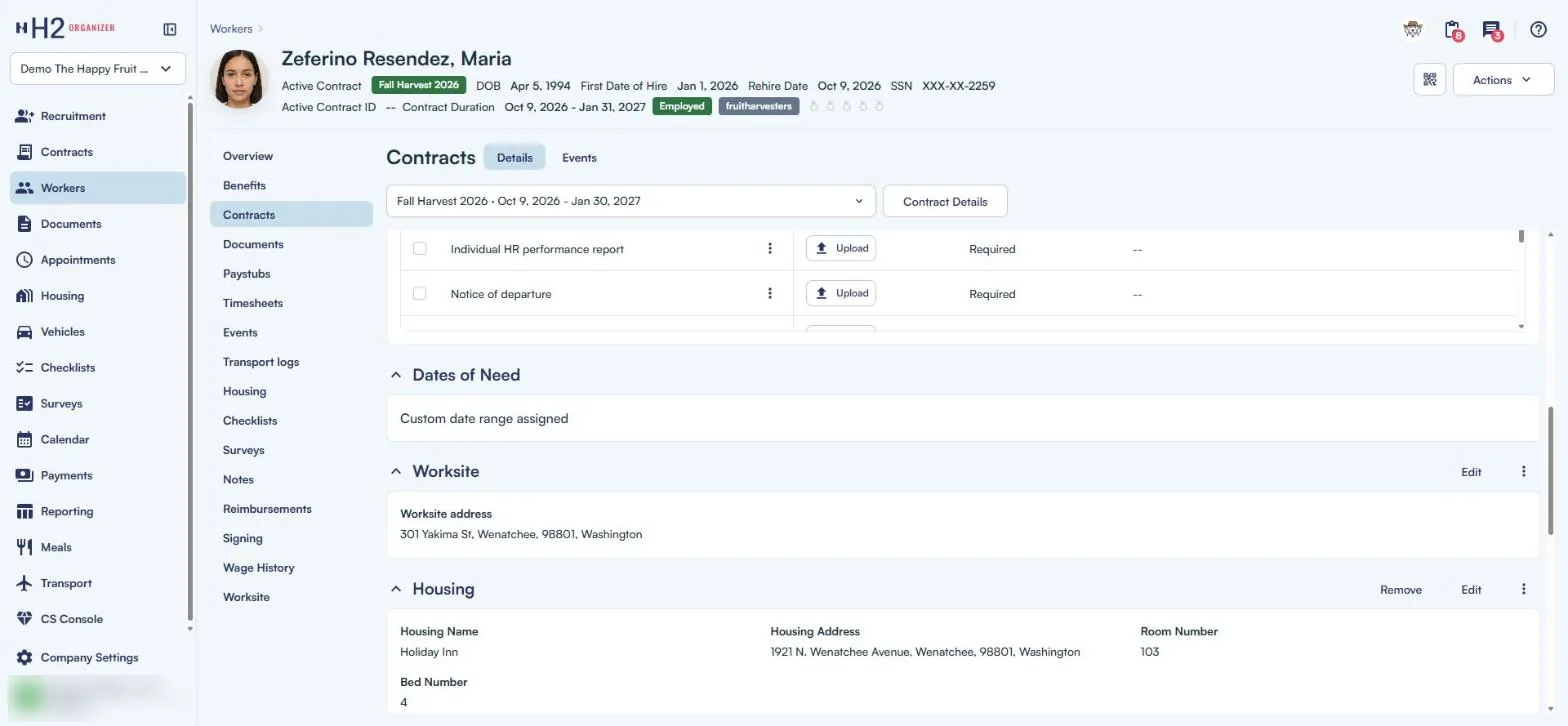
Add workers to housing together or one at a time, with room, bed and the dates each worker is there. The assignment history is kept for every house and every worker.
Workers see where they live.
Each worker’s housing assignment shows in Mi Chamba, so nobody has to ask the office.
Inspections from a phone.
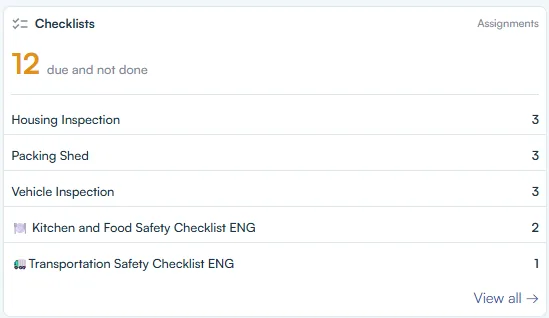
Housing checklists run in Mi Chamba. Tap the NFC tag at the house to start the right checklist, then export the results.
Housing in your paperwork.
Housing name, room and bed fill into the documents workers sign.
How it works
Step one: set up your houses.
Add each house with its beds, tags, notes and the dates it is available.
Step two: assign workers.
Add a crew or a single worker, with room, bed and dates. Workers see their assignment in Mi Chamba.
Step three: inspect and report.
Run checklists on schedule from a phone, and pull the Housing Report whenever you need it.
Who lived there, and when was it last checked?
H-2A housing gets inspected, and questions come up all season. H2 Organizer keeps the assignment history for every house and every worker, the checklist results, and a Housing Report you can hand over. The answer doesn’t depend on someone’s memory or a spreadsheet.
Every bed accounted for before the bus arrives.