
Every worker’s file, complete before day one.
Workers send their documents from Mi Chamba. For each worker, contract documents on the contract’s Workers tab and worker documents on the worker profile are marked Complete, Need Action or Not Uploaded. You can hand over that worker’s file in one download.
What you get
Complete, Need Action, Not Uploaded.
Each worker’s documents are marked Complete, Need Action or Not Uploaded in two places: contract documents on the contract’s Workers tab, and worker documents on the worker profile. Set the documents each worker needs, and the list follows.
Passport details read for you.
Scan a passport and H2 Organizer pulls the photo, number and dates into the worker’s record.
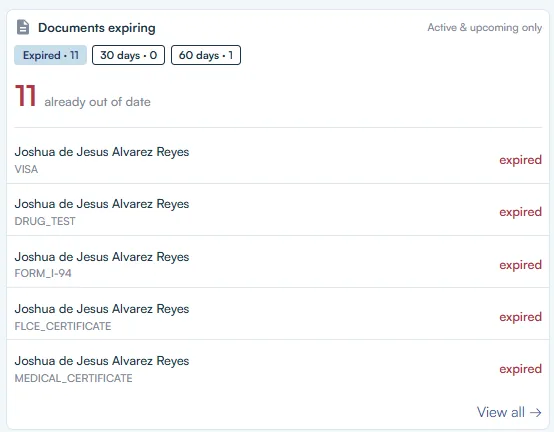
Expiration notices.
Get an email before a document expires, not after.
Review it on that worker.
Approve an upload or add a countersignature on the contract’s Workers tab, or on the worker profile.
The full file in one download.
Export a worker’s documents as a ZIP or one merged PDF, with document history kept.
SS-5, filled for you.
Workers without a Social Security number get the SS-5 application filled from their record.
ePassport chip check.
Mi Chamba reads the chip in a worker’s ePassport to check the passport is genuine.
How it works
Step one: invite workers to Mi Chamba.
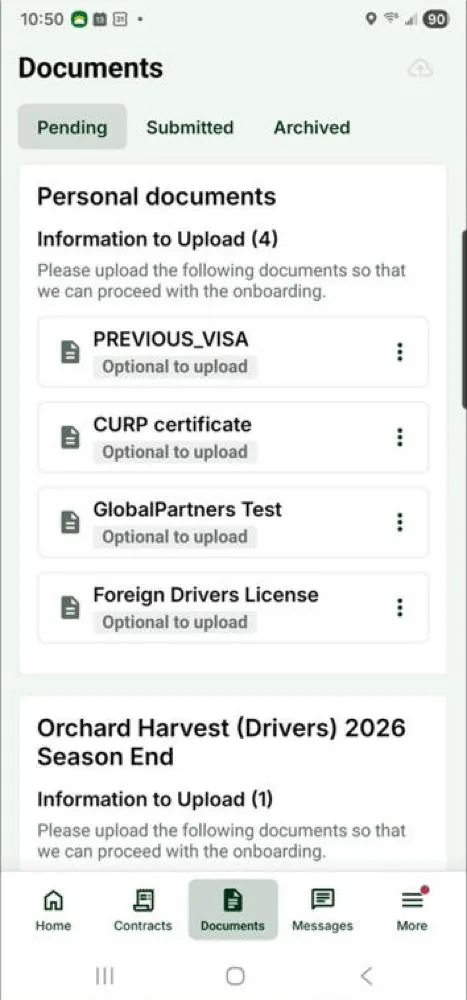
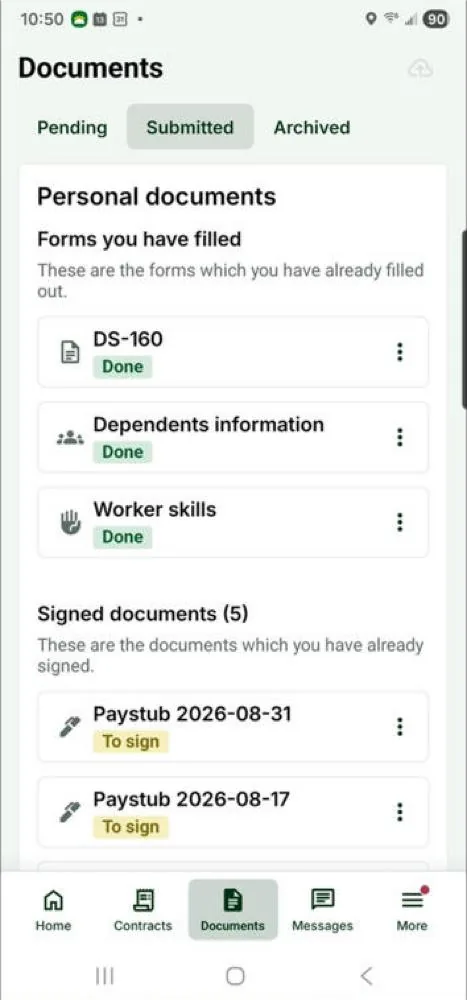
They complete their onboarding form, watch your intro video if you add one, and upload their documents from their phones. You can see who has installed the app.
Step two: review.
Approve uploads, countersign, and follow up on Need Action or Not Uploaded for that worker’s contract documents and worker documents.
Step three: keep it current all season.
Expiration notices, document history and full-file export keep the file ready.
The file looks the same on audit day as it does on day one.
Onboarding isn’t finished when the worker starts. Documents expire, workers return, forms get countersigned late. H2 Organizer keeps each worker’s file complete and dated, so when someone asks, you send the file instead of building it.
On this worker’s profile
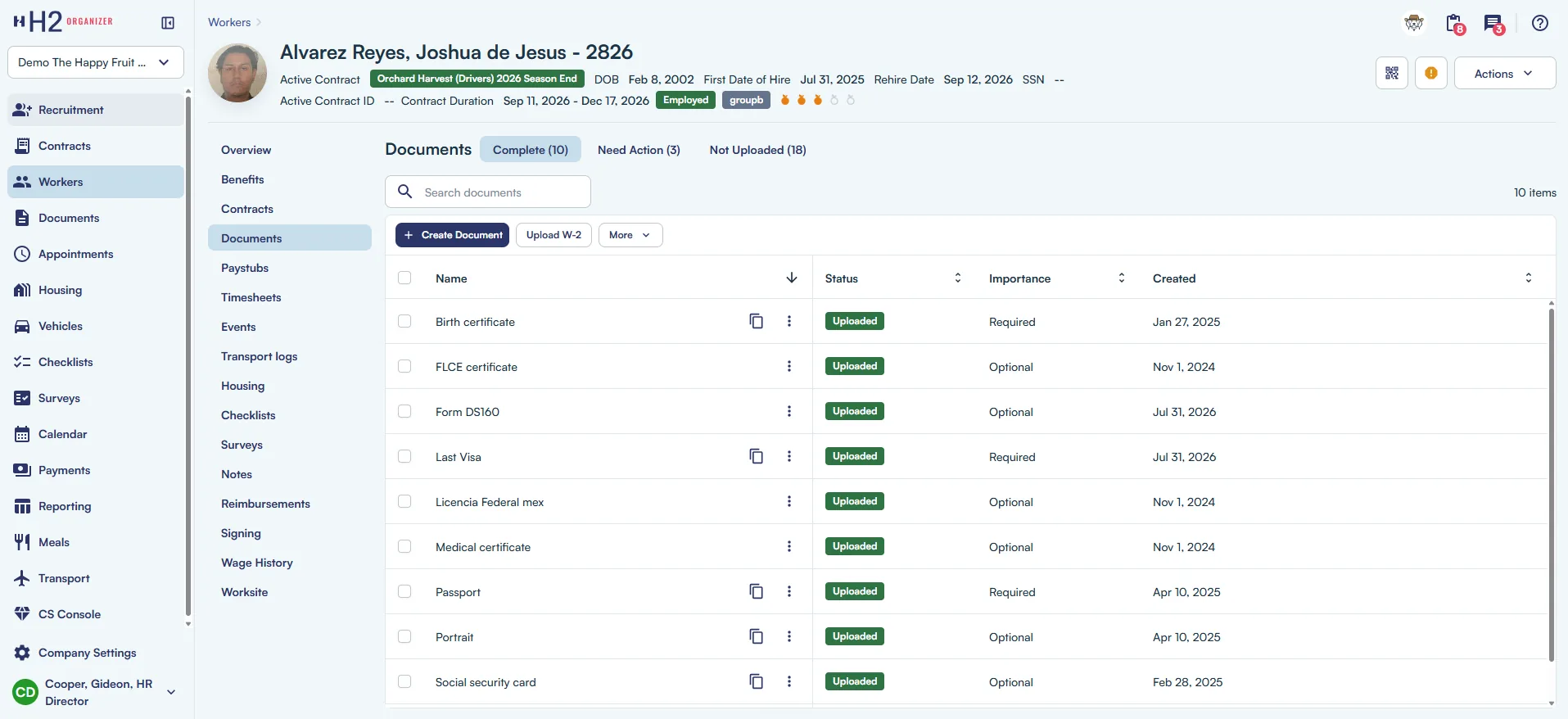
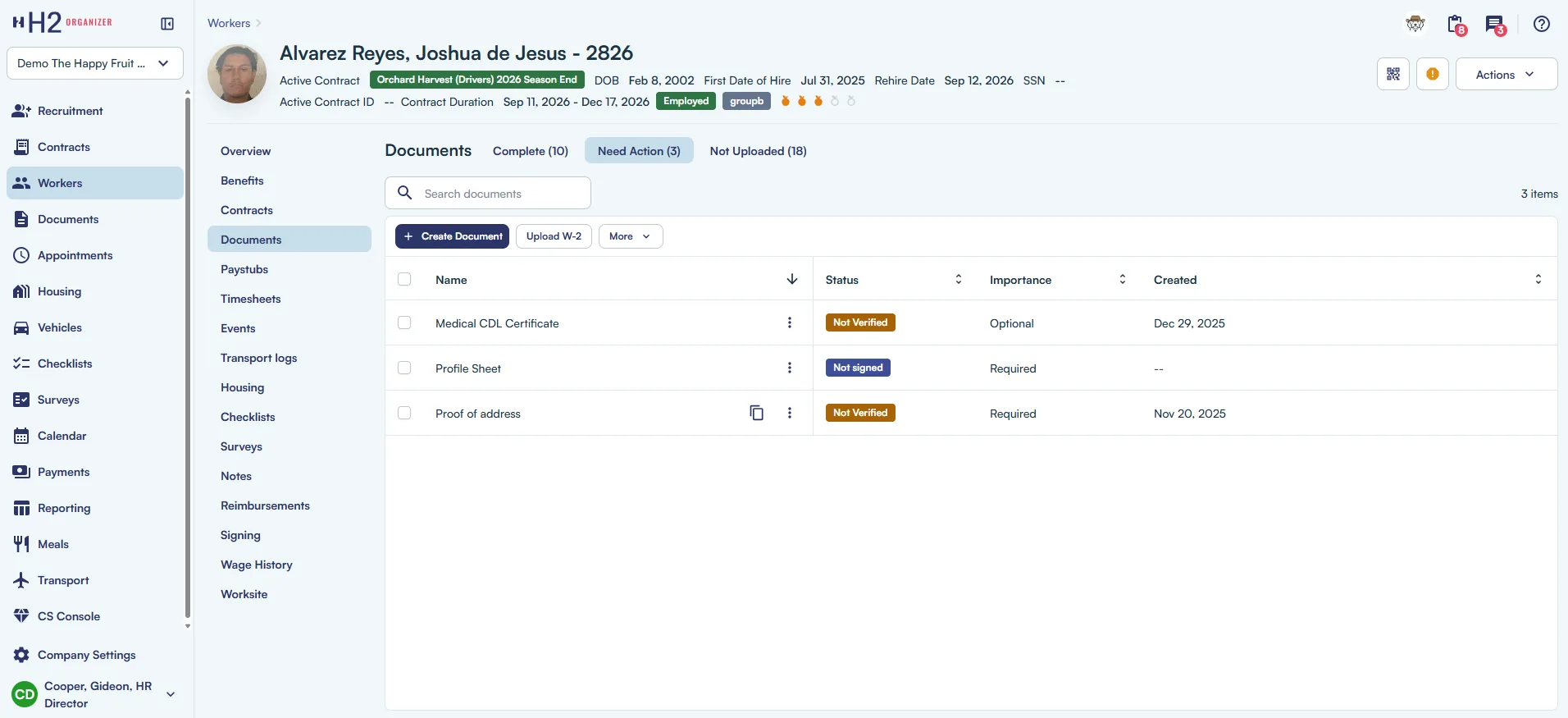
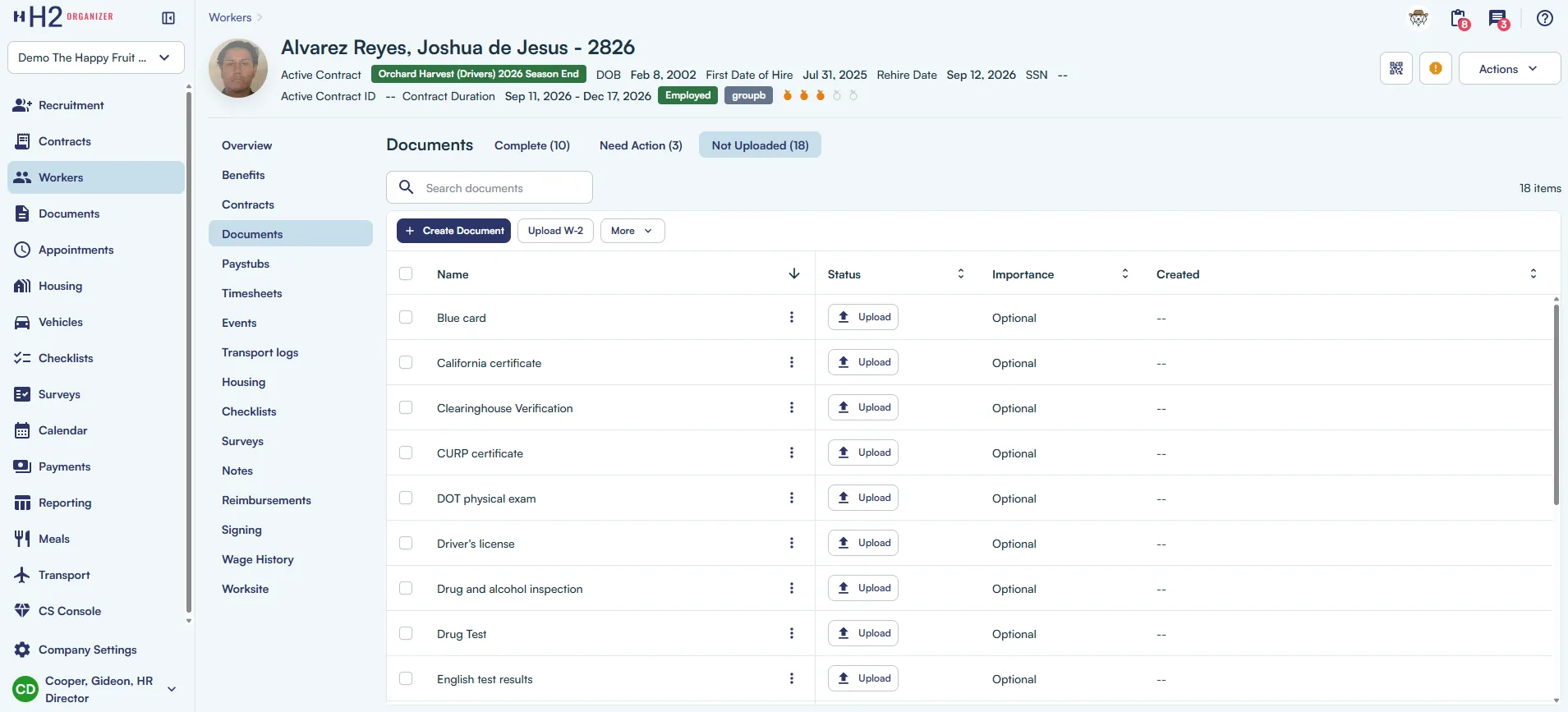
Documents expiring
Contracts in Mi Chamba
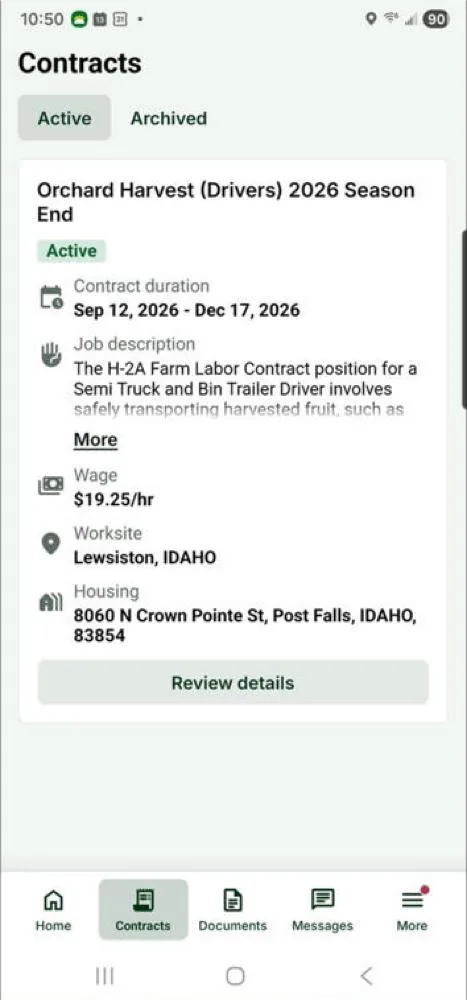
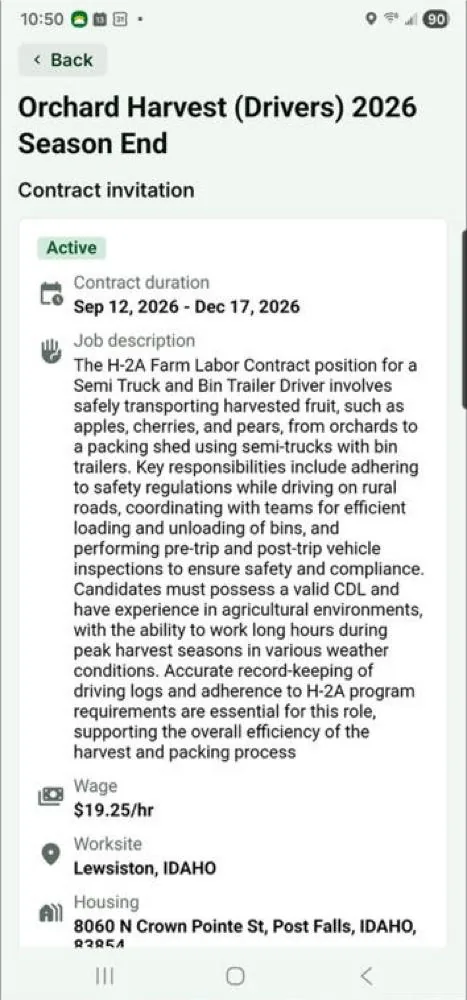
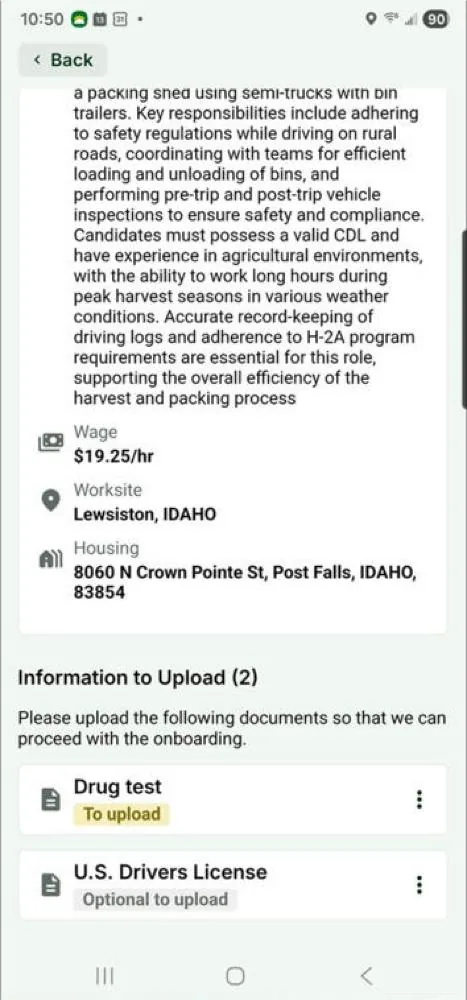
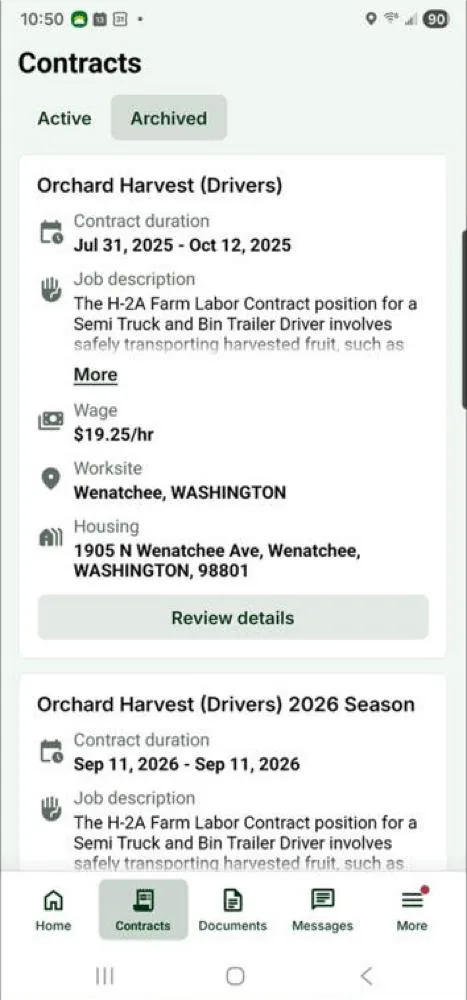
Documents in Mi Chamba
Stop chasing paperwork. Start the season with it done.